
ASP.NET Core Background Services Interview Questions for Senior .NET Developers (2026)
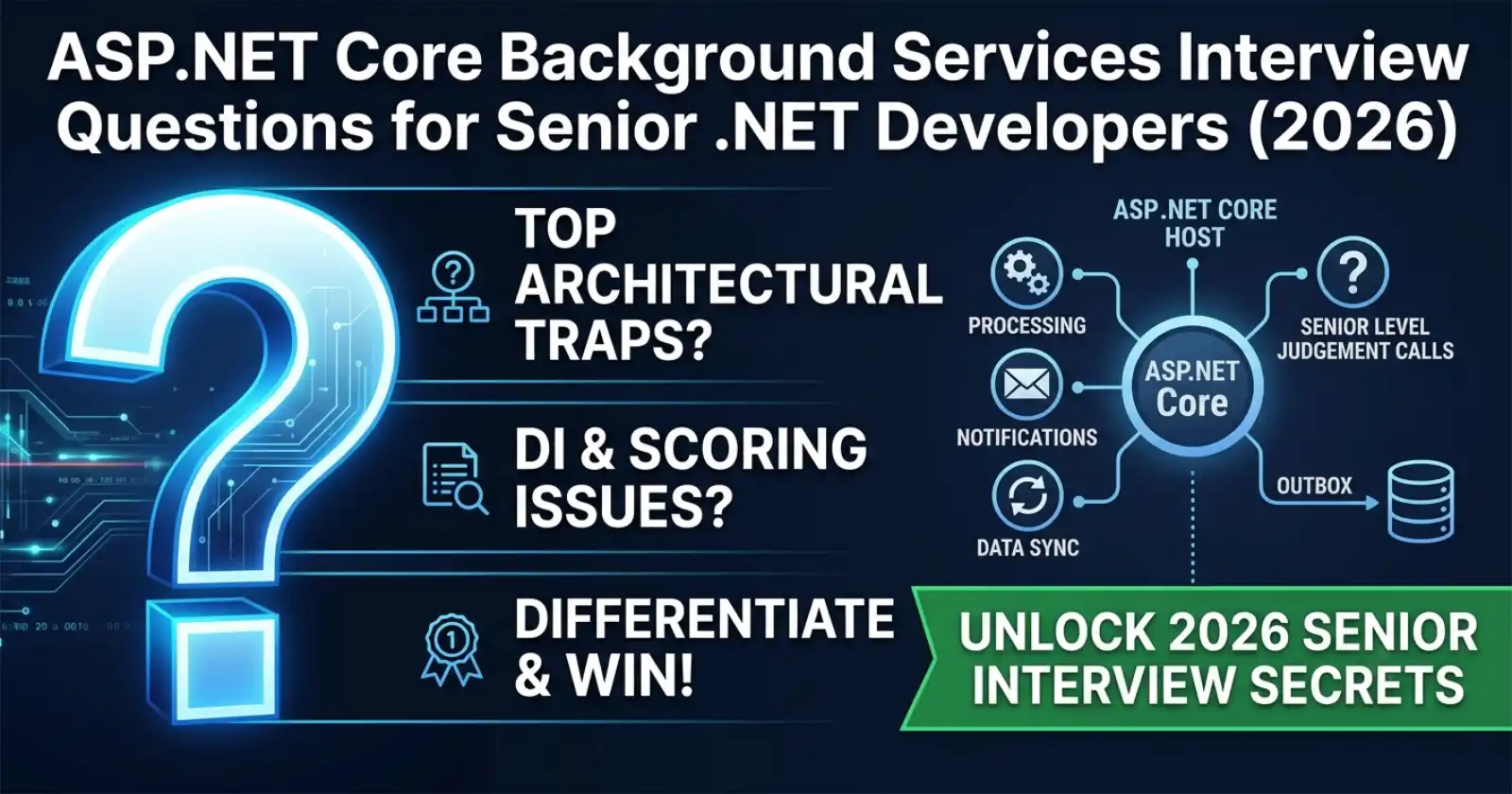
Background services are a fixture in any production ASP.NET Core system — processing queues, sending notifications, running cleanup jobs, syncing data from external systems. They look simple from the outside, but they carry a surprising number of architectural traps that senior engineers are expected to recognise on sight. Senior interviews in 2026 probe not just whether you can wire up an IHostedService, but whether you understand its failure modes, its interaction with the DI container, its relationship to the host lifetime, and when you should reach for something like Hangfire or Quartz instead. The full production implementations of these patterns — including the Outbox pattern, System.Threading.Channels, and durable job persistence — are available on Patreon, with source code your team can run and adapt directly.
Understanding the mechanics in isolation is one thing. Seeing them work inside a complete production API — with DI, error handling, and lifecycle management all connected — is what makes the concepts click. Chapter 12 of the Zero to Production course covers background services end-to-end inside a full ASP.NET Core codebase, including the Outbox pattern, Channel-based queuing, and Hangfire integration.

The questions below are grouped from Basic through to Advanced. Each question reflects what real interviews actually probe at the senior level in 2026 — not trivia, but the judgement calls that separate architects from implementers. For the architecture decisions behind choosing between IHostedService, BackgroundService, and worker services, the IHostedService vs BackgroundService Enterprise Decision Guide covers the trade-offs in detail.
Basic Questions
What Is IHostedService and What Problem Does It Solve?
IHostedService is the core interface for running background work inside an ASP.NET Core or generic host. It defines two methods: StartAsync(CancellationToken) called when the host starts, and StopAsync(CancellationToken) called when the host is shutting down. The host calls these methods in registration order on startup and in reverse order on shutdown.
The problem it solves: before IHostedService, developers had to manage background threads manually, with no integration into the host lifetime and no coordination with graceful shutdown. IHostedService ties background work to the host lifecycle so that services start up, run, and stop cleanly as part of the application lifecycle.
What Is the Difference Between IHostedService and BackgroundService?
IHostedService is the interface. BackgroundService is an abstract class that implements IHostedService for you. It handles the plumbing of starting a Task on StartAsync and cancelling it on StopAsync, leaving you to implement just ExecuteAsync(CancellationToken stoppingToken).
The practical difference is control vs convenience:
Use
IHostedServicedirectly when you need full control over startup/shutdown sequencing, or when the service does synchronous initialisation on startup (e.g., pre-warming caches, establishing connections before the app accepts requests).Use
BackgroundServicefor continuous loops, periodic polling, or any work that runs on a background thread until the host shuts down.
How Does the Host Know When to Start and Stop Background Services?
The generic host (IHost) manages all registered IHostedService implementations. On host.StartAsync(), it calls StartAsync on every hosted service in registration order — sequentially, not in parallel. On host.StopAsync(), it calls StopAsync on every service in reverse registration order.
A critical interview point: StartAsync on BackgroundService starts ExecuteAsync on a background task and returns immediately. If StartAsync is overridden to do blocking work, it delays every subsequent service from starting. Long-running initialisation inside StartAsync is a common production mistake.
How Do You Register a Background Service in ASP.NET Core?
You register background services in Program.cs using AddHostedService<T>():
builder.Services.AddHostedService<MyBackgroundService>();
Registration order matters for startup and shutdown sequencing. Services are started in the order they are registered and stopped in reverse order.
Intermediate Questions
What Is the Correct Way to Use Scoped Services Inside a Background Service?
Background services are registered as singletons — they live for the lifetime of the host. Scoped services (like DbContext) cannot be injected directly into a singleton because the DI container will throw at runtime: "Cannot resolve scoped service from root provider."
The correct pattern is to inject IServiceScopeFactory and create a scope explicitly inside ExecuteAsync:
using var scope = _scopeFactory.CreateScope();
var db = scope.ServiceProvider.GetRequiredService<MyDbContext>();
Create the scope around the unit of work, not around the entire service lifetime. A long-lived scope defeats the purpose of scope-based tracking and holds resources — including database connections — open indefinitely.
Why Should You Never Use Thread.Sleep Inside ExecuteAsync?
Thread.Sleep blocks the calling thread. Inside ExecuteAsync, that means the thread cannot respond to the stoppingToken cancellation request, which means graceful shutdown is blocked. The host will wait for StopAsync to complete, but if the thread is sleeping and not checking cancellation, it will timeout.
The correct alternative is await Task.Delay(interval, stoppingToken). This awaits asynchronously and throws OperationCanceledException when the token is cancelled, allowing the ExecuteAsync loop to exit cleanly. For periodic work, PeriodicTimer (introduced in .NET 6) is the modern replacement — it ticks on a background timer and automatically integrates with cancellation via WaitForNextTickAsync(stoppingToken).
What Is PeriodicTimer and When Should You Use It?
PeriodicTimer is a .NET 6+ type designed specifically for periodic background work. It avoids the drift problem of Task.Delay loops (where the elapsed processing time is not accounted for in the next interval) by firing at fixed intervals regardless of how long the last tick took.
using var timer = new PeriodicTimer(TimeSpan.FromMinutes(5));
while (await timer.WaitForNextTickAsync(stoppingToken))
{
    await DoWorkAsync(stoppingToken);
}
Use it when you need a fixed-cadence poll. It is the preferred replacement for Task.Delay loops in BackgroundService implementations targeting .NET 6 and above.
What Happens If ExecuteAsync Throws an Unhandled Exception?
In BackgroundService, an unhandled exception in ExecuteAsync terminates the background task but does not crash the application by default. The host logs the exception, the hosted service stops, but the rest of the application continues running. This is a silent failure mode — the service disappears without taking the app down, which can be extremely hard to diagnose in production.
Mitigations:
Wrap the inner loop in a
try/catchto handle transient exceptions and continue.Use the
BackgroundService.ExecuteAsyncexception behaviour toggleBackgroundServiceExceptionBehavior.StopHost(available in .NET 6+ viaIHostOptions) to make unhandled exceptions crash the host — appropriate when the background service is critical to the application's function.Log exceptions with enough context to trigger alerts.
What Is System.Threading.Channels and How Does It Relate to Background Services?
System.Threading.Channels provides a high-performance producer/consumer queue built for async workflows. It is commonly paired with background services to decouple the HTTP request path from slow processing work.
The pattern: an API controller or another component writes to a Channel<T> during request handling. A BackgroundService reads from the channel in ExecuteAsync and processes items. This prevents the HTTP request from blocking on slow operations (email sending, image processing, audit logging) while providing back-pressure control through bounded channel capacity.
Channels outperform ConcurrentQueue<T> for async scenarios because the reader can await new items without polling, and the writer can be back-pressured without spinning. The full working implementation with bounded channels and back-pressure is in the background services GitHub repo.
Advanced Questions
How Does Hangfire Differ from BackgroundService for Durable Job Processing?
BackgroundService is in-process and in-memory. If the application restarts, any queued work is lost. There is no built-in retry on failure, no job history, no monitoring UI, and no support for scheduled recurrence defined at runtime.
Hangfire persists jobs to a database (SQL Server, PostgreSQL, Redis) before executing them. If the worker crashes mid-job, Hangfire will retry the job on restart. It supports fire-and-forget, delayed execution, recurring jobs (cron syntax), continuations, and a dashboard for visibility.
The decision rule at senior level: use BackgroundService for in-process work that is acceptable to lose on restart (cache warming, in-memory queue processing). Use Hangfire (or Quartz.NET) when jobs must not be lost, must retry on failure, or must run on a defined schedule with operational visibility. The .NET Background Jobs at Scale comparison covers Hangfire vs Quartz vs Azure Functions in depth.
What Is the Outbox Pattern and How Is It Implemented with a Background Service?
The Outbox pattern solves the dual-write problem: if you save a domain entity to the database and then publish an event to a message broker, either step can fail independently, leaving the system in an inconsistent state.
The pattern: instead of publishing the event directly, save the event as a row in an OutboxMessages table inside the same database transaction as the domain entity. A background service — the Outbox processor — polls that table, publishes the events, and marks them as processed. This guarantees that events are never lost (because the table commit is atomic with the domain write) while still eventually delivering them.
The key implementation detail: the Outbox processor must be idempotent. If publishing succeeds but marking as processed fails (due to a crash), the same event will be re-processed on the next poll. Consumers must handle duplicates, or events must carry an idempotency key.
This pattern is covered fully in Chapter 12 of the Zero to Production course.
How Do You Test a BackgroundService in Isolation?
BackgroundService is a class with a Task-returning ExecuteAsync method. Unit testing it directly is straightforward: construct the service with mocked dependencies, call ExecuteAsync with a CancellationToken, and cancel the token after some time or after a condition is met.
For integration tests, register the service in a WebApplicationFactory and use IHostedService resolution to start/stop it as part of the test setup. One gotcha: in integration tests, background services start automatically. If the service has side effects on a shared database, tests must be isolated or the service must be replaced with a no-op in test mode.
Avoid testing the entire loop in unit tests. Extract the inner work into a separate, injectable method and test that method directly. The loop scheduling logic does not need unit testing — it is framework behaviour.
How Do You Handle Graceful Shutdown With Long-Running Work in a Background Service?
The host passes a CancellationToken (stoppingToken) to ExecuteAsync. When the host begins shutting down (SIGTERM, process exit, Ctrl+C), the token is cancelled. The service is expected to finish its current unit of work and return from ExecuteAsync within the configured shutdown timeout (default 30 seconds in ASP.NET Core; configurable via HostOptions.ShutdownTimeout).
Best practices:
Pass
stoppingTokento everyawaitcall insideExecuteAsync.Catch
OperationCanceledExceptionat the loop level and exit cleanly.For work that must not be interrupted (e.g., a database write), complete the current unit of work before checking cancellation, but do not start new units once cancellation is requested.
If 30 seconds is not enough for graceful shutdown in your scenario, increase
HostOptions.ShutdownTimeoutand document why.
What Is the IHostedLifecycleService Interface Introduced in .NET 8?
.NET 8 introduced IHostedLifecycleService, which extends IHostedService with four additional lifecycle hooks: StartingAsync, StartedAsync, StoppingAsync, and StoppedAsync. These hooks fire before and after the main StartAsync/StopAsync calls, giving services granular control over startup and shutdown sequencing.
This is relevant in senior interviews because it allows services to coordinate — for example, a service can use StartedAsync to signal that it is fully initialised before the application starts accepting traffic, or StoppingAsync to drain an in-flight queue before the main stop logic runs. On .NET 8+, prefer IHostedLifecycleService over manual Task.Delay workarounds for startup coordination.
FAQ
What Is the Difference Between AddHostedService and AddSingleton for Registering a Background Service?
AddHostedService<T>() registers the service as both a singleton and an IHostedService, which means the host lifecycle manager picks it up and calls StartAsync/StopAsync. AddSingleton<T>() alone just registers it in the DI container — the host will never call its lifecycle methods. Always use AddHostedService for services that need to run in the background.
Can Multiple Background Services Run Concurrently in ASP.NET Core?
Yes. The host starts all registered IHostedService implementations, each running on its own background task. They are started sequentially (one StartAsync completes before the next begins), but once started, their ExecuteAsync methods run concurrently. Each service should manage its own cancellation and not assume knowledge of other services.
How Do You Prevent a Background Service From Blocking Application Startup?
BackgroundService.StartAsync starts ExecuteAsync on a background task and returns immediately, so a well-behaved BackgroundService does not block startup. The problem occurs when you override StartAsync directly and put blocking code in it, or when you do a long await before starting the background loop. If you must do initialisation work before the loop, keep it fast (under a few hundred milliseconds), or move the heavy initialisation inside ExecuteAsync itself — after the service is "started" from the host's perspective.
When Should I Use Quartz.NET Instead of Hangfire for Background Scheduling?
Hangfire is simpler to set up, has a polished dashboard, and handles most durable job scenarios well. Quartz.NET is better when you need fine-grained job scheduling control (complex cron triggers, job listeners, job chaining), when you need a clustered scheduler with multiple workers competing for jobs, or when you are already in a Java ecosystem and want .NET/Java scheduling parity. For most ASP.NET Core APIs, Hangfire is the practical choice unless Quartz-specific features are required.
How Do You Ensure a Background Service Restarts Automatically After a Crash in Production?
BackgroundService does not restart automatically after an unhandled exception by default — the task faults and the service stops. Options for auto-restart: use Kubernetes or Docker with a restart policy so the container restarts on crash; configure BackgroundServiceExceptionBehavior.StopHost to crash the process and let the orchestrator restart it; or implement a retry loop inside ExecuteAsync that catches exceptions and re-enters the loop after a delay. The last option hides crashes from the orchestrator and is only appropriate for transient errors — not for bug-induced panics.
What Is the Role of IServiceScopeFactory vs IServiceProvider in Background Services?
Both can be used to resolve services in a background context, but IServiceScopeFactory is the correct choice. Calling GetService<T> directly on the root IServiceProvider will throw for scoped services. IServiceScopeFactory.CreateScope() creates a scoped container that correctly resolves scoped registrations and disposes them when the scope is disposed. Inject IServiceScopeFactory into the background service constructor, create a scope per unit of work, and dispose it when done.
Is PeriodicTimer Available in .NET 5 and Earlier?
No. PeriodicTimer was introduced in .NET 6. For .NET 5 and earlier, the standard approach is a Task.Delay(interval, stoppingToken) loop or a Timer-based approach. The main downside of Task.Delay loops is timer drift — the interval includes the processing time of the previous iteration. If exact cadence matters on older runtimes, a System.Timers.Timer or System.Threading.Timer with careful cancellation handling is the alternative.