

7 Common ASP.NET Core Logging Mistakes (And How to Fix Them)
Logging is one of those things that looks trivial until something breaks in production at 2 a.m. and you realise your logs are useless. Across the ASP.NET Core APIs we run at Coding Droplets, every one of the mistakes below has bitten us at least once - usually during an incident, which is the worst possible time to discover them. The default ILogger<T> integration in ASP.NET Core is solid, but most teams accumulate a handful of quiet mistakes that compound over time - logs that are too noisy to read, too sparse to debug, or structured in a way that makes querying impossible. Each mistake is easy to make and equally easy to fix once you know what to look for. If you want to go deeper on choosing the right logging provider - Serilog, NLog, or the built-in ILogger abstraction - the Structured Logging: Serilog vs NLog vs ILogger Enterprise Decision Guide covers the trade-offs in detail.
The full working examples, production-ready Serilog configuration, and log enrichment patterns are available on Patreon - with annotated source code you can drop straight into an existing ASP.NET Core project.
Understanding Chapter 14 of the ASP.NET Core Web API: Zero to Production course is where this clicks into place - it covers structured logging with Serilog, UseSerilogRequestLogging, log levels, and OpenTelemetry in the same chapter, wired into a full production codebase.

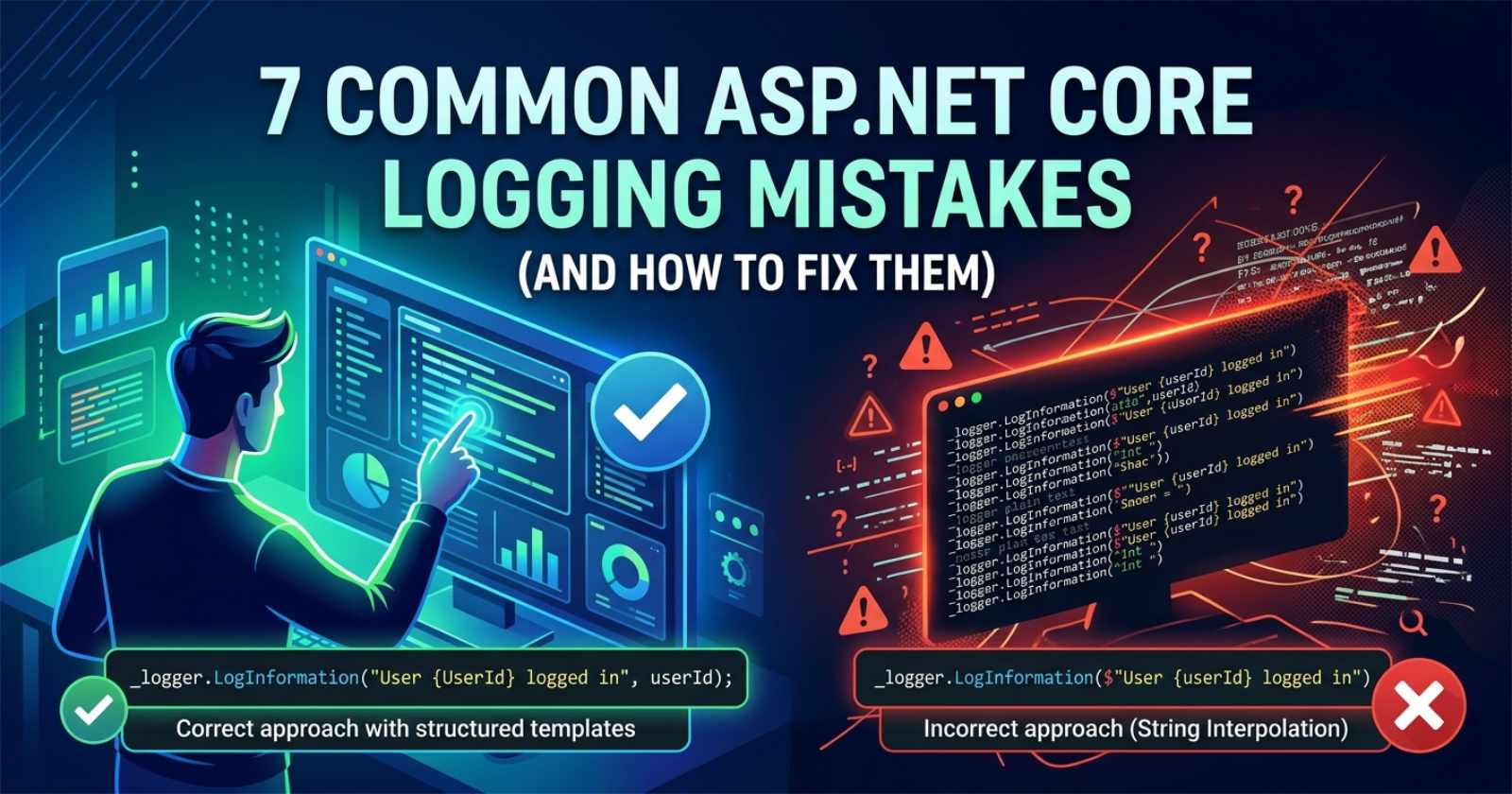
Mistake 1: Using String Interpolation Instead of Message Templates
This is the most widespread logging mistake in .NET codebases, and it costs you more than you might expect.
When you write _logger.LogInformation($"User {userId} logged in"), you get a formatted string. The log provider stores it as plain text. You lose the ability to query by userId later, and you pay the cost of string allocation even when the log level is filtered out.
The correct approach is to use named placeholders in the message template:
_logger.LogInformation("User {UserId} logged in", userId);
With named placeholders, structured log providers like Serilog capture UserId as a first-class searchable property. You can then run queries like WHERE UserId = '123' in Seq, Loki, or Application Insights without parsing free-form text. This matters enormously at scale - filtering by message text is slow, filtering by a structured property is fast.
The performance gain is also real. ILogger checks whether the log level is enabled before formatting the message. With string interpolation, the interpolation happens before the check. With message templates, nothing is allocated if the log level is filtered.
The fix: Replace every interpolated log string with a structured template. If you are working on a large codebase, use a Roslyn analyser (the Microsoft.Extensions.Logging.Analyzers NuGet package includes CA2254) to catch violations automatically.
Mistake 2: Logging at the Wrong Level
Every team has a production system where warnings dominate and errors are drowned out, or a system where everything is Information and the noise-to-signal ratio is impossible. Wrong log levels are a silent problem - they don't break anything, but they make your logs unreliable as a diagnostic tool.
The practical rule for ASP.NET Core APIs:
Trace/Debug: Development only. Entering a method, loop iterations, variable states. Should never reach production log sinks.Information: Something meaningful happened. A request completed, a scheduled job ran, a user authenticated. Readable in production but filtered in high-traffic environments.Warning: Something unexpected but recoverable. A retry succeeded, a fallback was triggered, a deprecated path was hit.Error: Something failed that should not have. An operation that was expected to succeed did not. Requires investigation.Critical: The application is about to stop or has entered an unrecoverable state.
The most common violation is logging caught exceptions at Information. If you caught an exception and decided to continue, it belongs at Warning at minimum - you expected the happy path, something went wrong, but you recovered. Log the exception object, not just the message:
_logger.LogWarning(ex, "Downstream service unavailable, using cached result for {CustomerId}", customerId);
Passing the exception as the first argument ensures the full stack trace is captured by structured providers. Many developers mistakenly log only ex.Message, which throws away the stack trace entirely.
The fix: Audit your log calls by level. Every LogError should represent a genuine failure requiring investigation. Every LogWarning should represent something abnormal but handled. LogInformation should be readable and meaningful, not a wall of method-entry noise.
Mistake 3: Not Filtering Log Levels Per Namespace in appsettings.json
The default appsettings.json logging configuration looks innocuous:
"Logging": {
  "LogLevel": {
    "Default": "Information",
    "Microsoft.AspNetCore": "Warning"
  }
}
But many teams stop here and never tune it further. The result is that EF Core logs every SQL query at Information in production, ASP.NET Core internal pipeline logs clutter your sinks, and Microsoft framework noise makes real application events hard to find.
The fix is to apply category-level filters. EF Core's SQL logging, for example, belongs at Debug in production:
"Logging": {
  "LogLevel": {
    "Default": "Information",
    "Microsoft.AspNetCore": "Warning",
    "Microsoft.EntityFrameworkCore.Database.Command": "Warning",
    "System.Net.Http.HttpClient": "Warning"
  }
}
Setting Microsoft.EntityFrameworkCore.Database.Command to Warning suppresses the SQL query logs unless they fail. Setting System.Net.Http.HttpClient to Warning suppresses the lifecycle noise from IHttpClientFactory-managed clients.
Also remember that appsettings.Development.json should override these to Debug or Trace for local development, giving you full visibility without polluting production sinks.
The fix: Treat appsettings.json log configuration as a first-class concern. Profile your production log output and suppress framework namespaces that produce noise without diagnostic value.
Mistake 4: Logging Sensitive Data
Developers log user input and request data to make debugging easier - and accidentally build a PII audit trail that violates GDPR, HIPAA, or their own data handling policy. Passwords, tokens, credit card numbers, email addresses, and user identifiers in log sinks are a compliance incident waiting to happen.
The most common vector is logging the entire request body or a model that contains sensitive fields. This often happens during debugging and gets committed without review.
For Serilog users, the Serilog.Expressions destructuring policies let you strip sensitive properties from logged objects before they reach any sink. You can also use [LogMasked] from Destructurama.Attributed to annotate DTO properties that should be redacted:
public class LoginRequest
{
    public string Username { get; set; }

    [NotLogged]
    public string Password { get; set; }
}
For teams using the built-in ILogger, the pattern is to avoid logging model objects directly - log only the properties you specifically need, by name.
The fix: Establish a team rule: never log objects that might contain credentials, payment data, or user-identifying information without explicit scrubbing. Add a code review checklist item for any log call that destructures (@) an object. For Serilog-based teams, configure destructuring policies at setup time rather than relying on per-developer discipline.
Mistake 5: Injecting ILogger Statically or via LoggerFactory.Create
Some codebases - often older ones migrated to ASP.NET Core from .NET Framework - use LoggerFactory.Create or static logger instances instead of constructor injection. This bypasses the DI-managed provider chain, which means:
Configuration changes in
appsettings.jsonhave no effectThe logger does not inherit sink configuration from the host
Log enrichers (like request correlation IDs or environment names) are not applied
The logger cannot be replaced in tests
The correct approach is always to inject ILogger<T> through the constructor:
public class OrderService
{
    private readonly ILogger<OrderService> _logger;

    public OrderService(ILogger<OrderService> logger)
    {
        _logger = logger;
    }
}
The generic type parameter <T> is the log category name. It corresponds to the class the logger belongs to, which is what you use in appsettings.json to configure per-namespace filtering (see Mistake 3).
The fix: Grep for LoggerFactory.Create, new Logger, or direct Serilog.Log. calls outside of Program.cs. Any logger instantiated outside the DI container is a liability. The only legitimate place for static logger access is early in Program.cs before the host is built - for bootstrap logging only.
Mistake 6: Missing Correlation IDs Across Service Boundaries
In a distributed system - or even a monolith with multiple background jobs - the same root request spawns multiple log entries. Without a shared correlation ID, you cannot trace a single user request through its entire lifecycle. You end up with a sea of disconnected log entries and no way to reconstruct what happened.
ASP.NET Core provides IHttpContextAccessor to read the HTTP context, and the X-Correlation-ID header convention is widely adopted. The right place to handle this is in middleware: read or generate a correlation ID on each incoming request, add it to the current activity, and enrich all log entries for that request automatically.
With Serilog, UseSerilogRequestLogging() captures request-level metadata (duration, status code, path) in a single structured log event per request - which is far more useful than the separate per-request entries that ASP.NET Core emits by default. Pair it with a middleware that calls LogContext.PushProperty("CorrelationId", correlationId) and every log entry in that request automatically carries the correlation ID.
For how to choose the right log aggregation platform to query correlation IDs across services, the Seq vs Grafana Loki vs Azure Application Insights comparison breaks down which tool fits which team size and budget.
The fix: Add correlation ID middleware early in your pipeline. Enrich every log entry with the correlation ID via Serilog's LogContext or a custom ILogger scope. Make it a deployment standard, not an optional enhancement.
Mistake 7: Logging Too Much or Too Little in the Application Layer
Teams swing between two failure modes: logging every method entry and exit (producing gigabytes of noise), or logging only at the controller layer and missing everything that happens inside services and repositories.
The right model is to log at decision points, not execution points:
Log when a significant decision is made - a feature flag resolved to an alternate path, a payment was approved, a rate limit was triggered
Log when something unexpected happened but was handled - a cache miss forced a database fallback, a downstream service returned a non-2xx response
Do not log routine reads, validation passes, or anything that happens on every request unconditionally
Background services are a particular trap. A hosted service that polls every second and logs "Background job started" and "Background job completed" on each cycle generates 172,800 log entries per day from a single host. None of them are useful unless something actually went wrong.
The EF Core SaveChanges path is another. Logging every database write at Information level in a write-heavy API produces noise proportional to your traffic - not to the number of things worth knowing about.
The fix: Review your application layer logs as a product decision. For every recurring log entry, ask: "When would I actually look at this?" If the honest answer is "only when something is broken" - that's Debug or Trace, not Information. Reserve Information for log entries that tell a meaningful story about what the system is doing.
Bring It Together
These seven mistakes share a common root cause: treating logging as an afterthought rather than an architectural concern. Logging that is noisy enough to ignore is just as harmful as no logging at all - in both cases, you are flying blind when production issues occur.
The fixes are straightforward once identified: use message templates, choose log levels deliberately, filter by namespace, protect sensitive data, use DI-managed loggers, add correlation IDs, and log decisions not executions.
FAQ
What is the most common ASP.NET Core logging mistake? Using string interpolation ($"...") instead of structured message templates. Interpolation produces plain text that cannot be queried by property, and it allocates a string even when the log level is filtered out. Use named placeholders like "User {UserId} logged in" instead.
Should I use Serilog or the built-in ILogger in ASP.NET Core? Use ILogger<T> from Microsoft.Extensions.Logging throughout your application code regardless of your chosen provider. Serilog, NLog, and other providers plug in as sinks behind that abstraction. Your application code should never reference Serilog.Log directly - that's provider configuration, not application logic.
What log level should I use for exceptions in ASP.NET Core? Caught exceptions that were handled and from which the application recovered should be logged at Warning. Exceptions that represent genuine failures requiring investigation should be Error. Always pass the exception object as the first argument (before the message template) so structured providers capture the full stack trace.
How do I prevent sensitive data from appearing in logs? Avoid logging objects or models that may contain sensitive fields. For Serilog, configure destructuring policies or use [NotLogged] from Destructurama.Attributed on DTO properties. For built-in ILogger, log only the specific properties you need by name - never log a raw request body or an authentication model.
What is UseSerilogRequestLogging and why should I use it?UseSerilogRequestLogging() is Serilog's ASP.NET Core integration method that replaces the multiple per-request log entries ASP.NET Core emits by default with a single structured log event per request, including duration, status code, and path as structured properties. It reduces noise significantly in high-traffic APIs and makes per-request analysis far easier in log aggregation tools.
How do I add correlation IDs to all log entries in ASP.NET Core? Create a middleware that reads the X-Correlation-ID header (or generates a new GUID if absent), then calls Serilog.Context.LogContext.PushProperty("CorrelationId", correlationId) inside a using block for the lifetime of that request. Every log entry written during that request automatically inherits the correlation ID as a structured property.
Why are my log level filters in appsettings.json not working? Log level configuration is applied hierarchically by namespace. If you set "Default": "Information", all categories inherit that unless overridden. For EF Core SQL logs, explicitly set "Microsoft.EntityFrameworkCore.Database.Command": "Warning". Also verify that your Serilog or NLog setup reads from the Logging section of configuration - some setup guides configure the provider directly in code, which bypasses appsettings.json filters entirely.
About the Author
Celin Daniel is Co-founder of Coding Droplets with 13+ years of hands-on experience building and operating .NET and ASP.NET Core systems in production. The logging patterns above come from real incidents and real post-mortems, not theory.
- Website: codingdroplets.com
- GitHub: github.com/codingdroplets
- YouTube: youtube.com/@CodingDroplets
Comments
Join the discussionNo comments yet. Be the first to comment.




